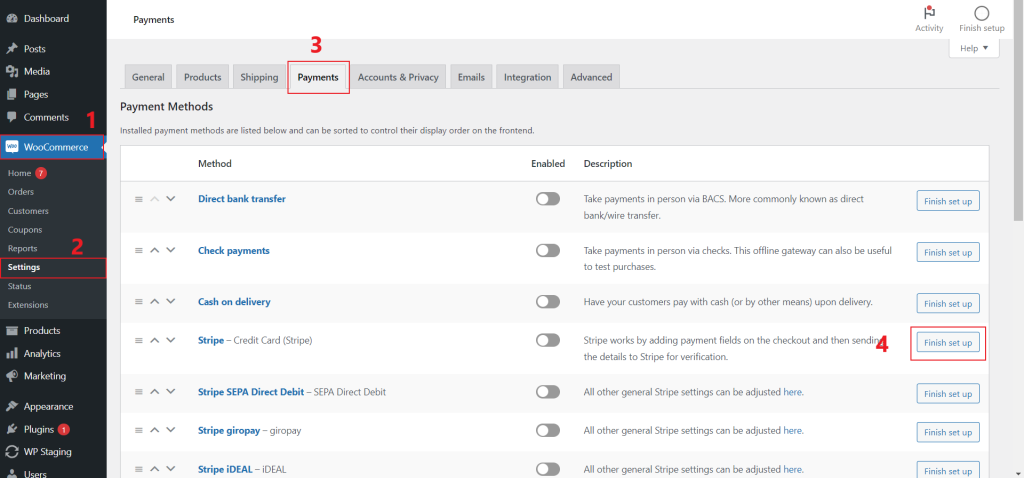
- WooCommerce > Settings > Payments > click ‘Finish set up’ button
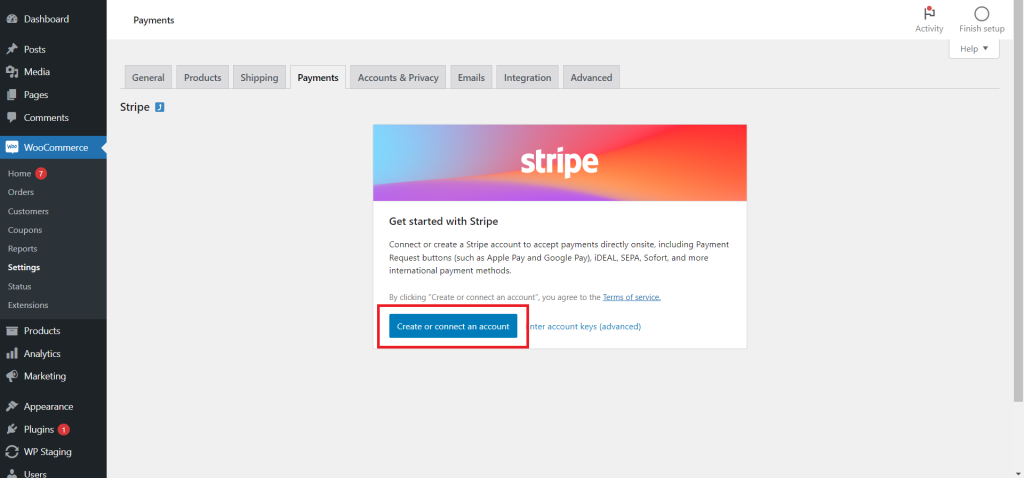
2. click ‘create or connect an account’
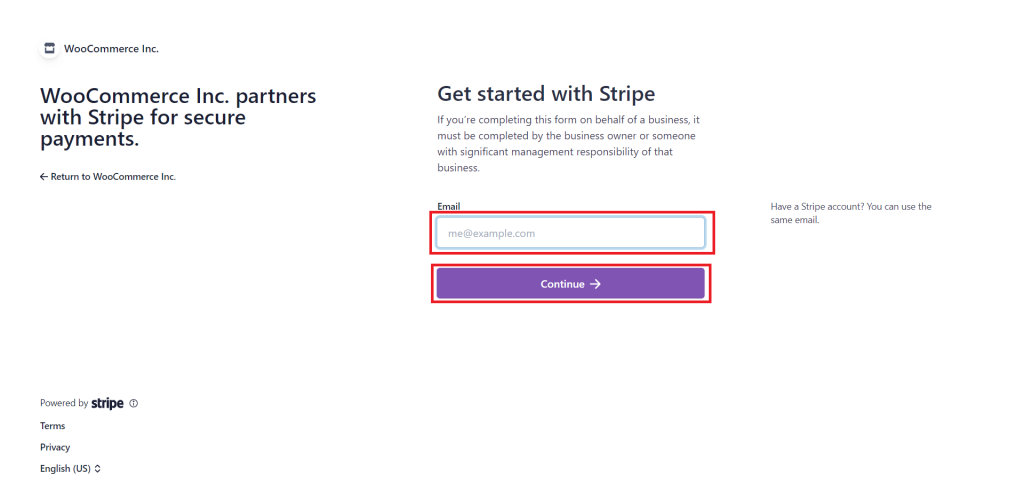
3. Enter your email and click the ‘continue’ button to continue the verification steps.
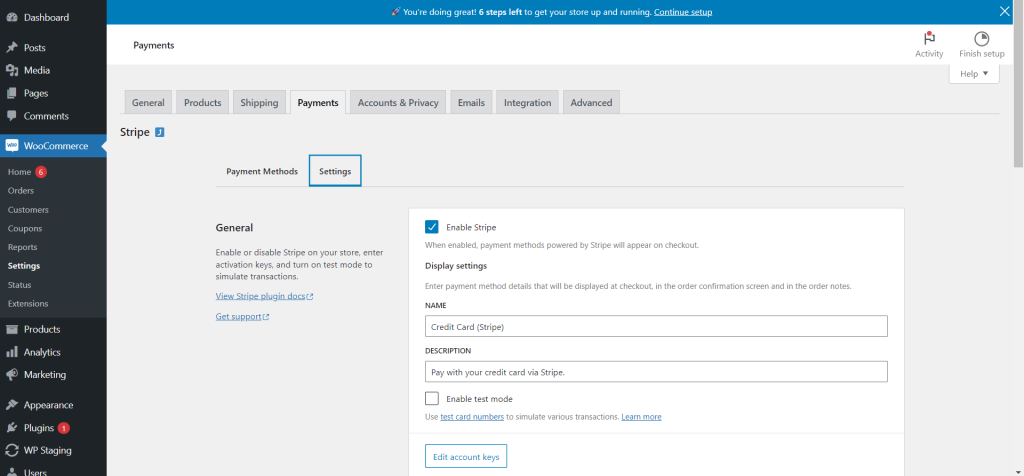
4. After email verification, you should be redirect to this page, and the Stripe connect is done!